
Pilot by Axion Displays is a cloud-based digital signage platform that puts your screens in your hands, no technical expertise required. Create, schedule, and manage compelling content across all your displays from a single dashboard, with a rich template library, AI-powered text and image generation, and real-time updates that reach every screen instantly. Whether you’re running a single screen in a retail store or a network of displays across multiple locations, Pilot scales with your business, built by Axion Displays, trusted to keep your audience engaged.
Features
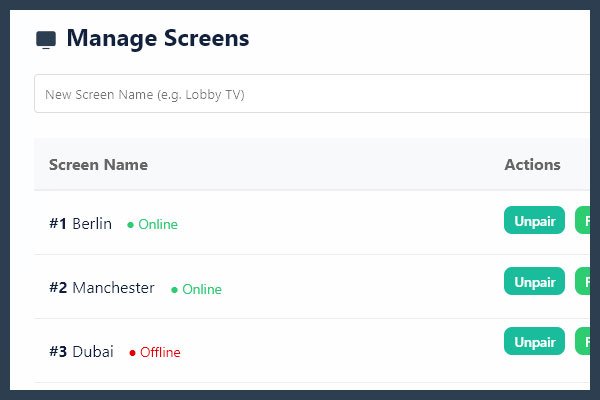
1. Centralized Multi-Screen Management
Control every display across every location from a single, intuitive dashboard. Add screens, group them by location, push content updates in seconds, and monitor what’s playing, all without leaving your desk.
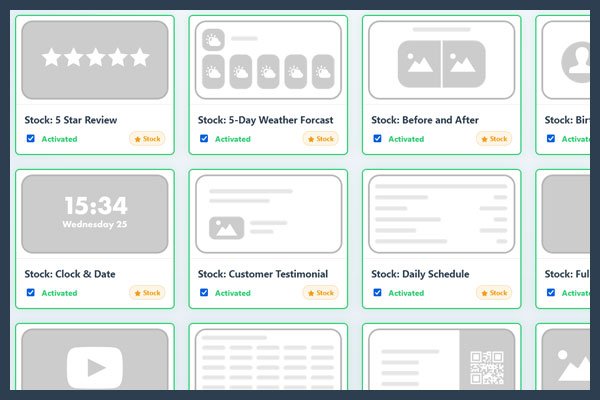
2. Ready-to-Use Template Library
Launch professional displays immediately with a growing library of pre-built templates. Fully customizable with your colors, fonts, and logo, no design skills needed.
See all templates included in the library.
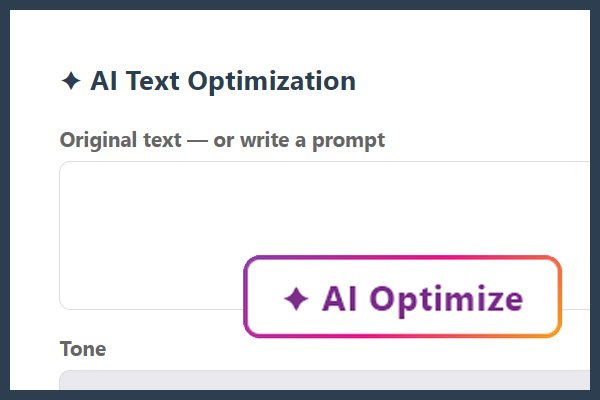
3. AI-Powered Content Creation
Turn ideas into visuals in seconds. Pilot’s built-in AI tools generate and rewrite text, and create original images on demand, so your screens always look fresh without a creative team.
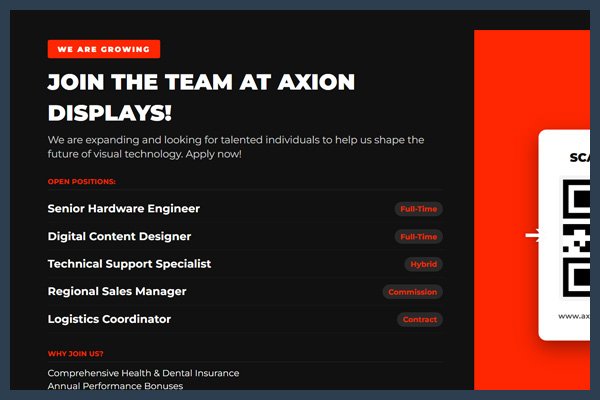
4. Instant Real-Time Updates
Change what’s on your screens the moment something changes in your business. Content updates push live immediately, no USB sticks, no manual refreshes, no delays.
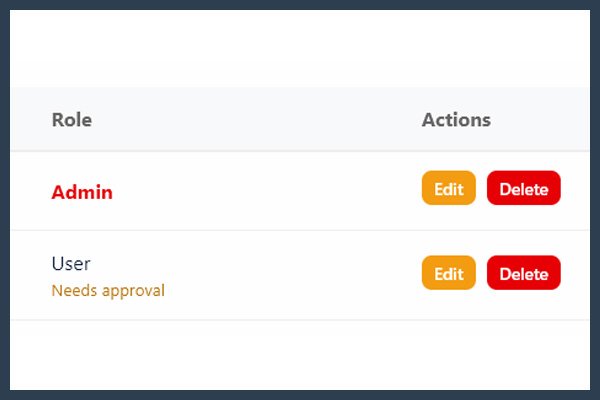
5. Team & Role Management
Invite your team with confidence. Assign roles so editors can create content, managers can approve, and admins control everything, without worrying about who can touch what.
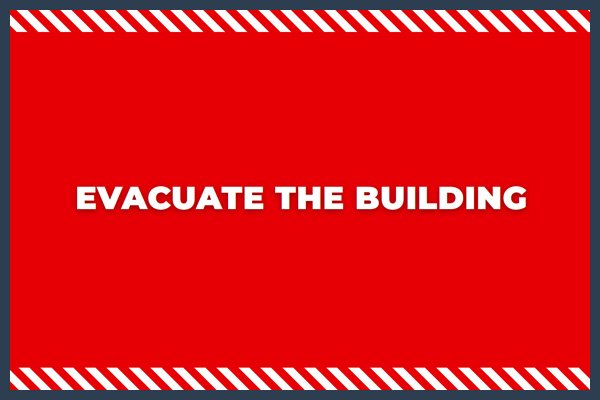
6. Emergency Override
One click broadcasts an urgent message to every screen instantly, bypassing all scheduled content. Essential for safety alerts, last-minute changes, or time-sensitive announcements.
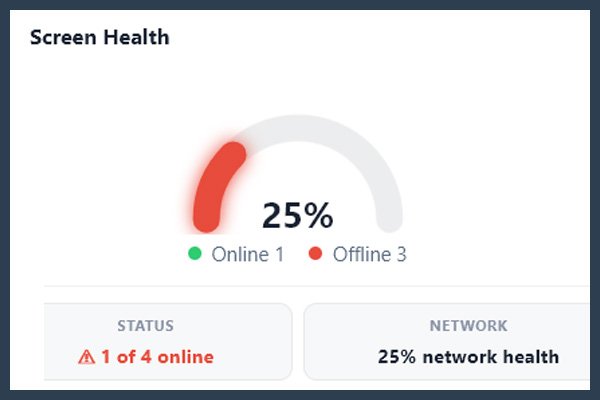
7. Live Analytics & Screen Uptime Monitoring
Know exactly how your screens are performing. Track uptime, content impressions, and activity trends with clean visual reports, so you can spot issues before your customers do.
8. Content Approval Workflow
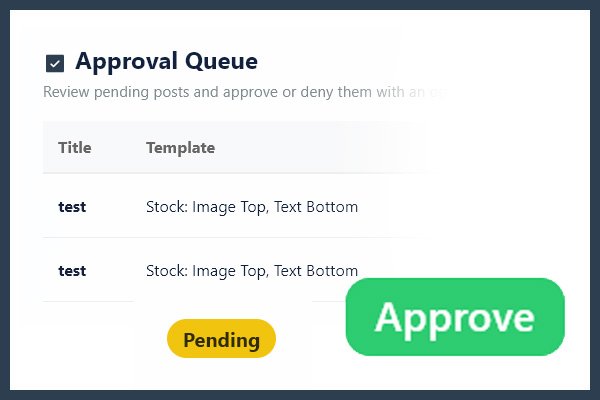
Keep full control over what goes live. Editors submit content for review, managers approve or reject with a single click, and nothing hits the screen without the right sign-off.
9. Smart Scheduling & Energy-Saving Blackouts
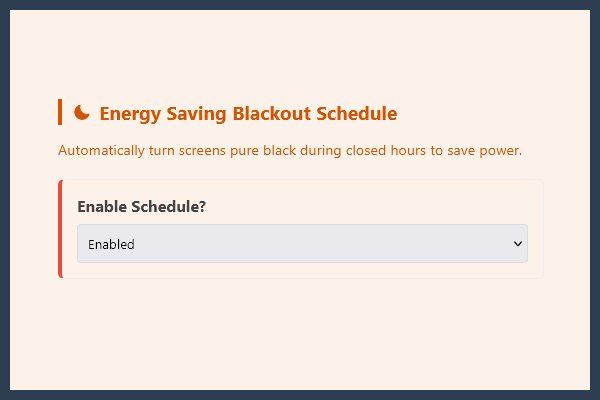
Schedule exactly when your screens turn on and off. Set custom blackout hours to save energy during closed periods, automatically, every day, without a second thought.
How does it work?
Pair Your Screen
Add and register your display to your Pilot dashboard.
Choose a Template
Pick from the library or build your own content.
Go Live!
Push your content instantly to the screen, no delays.
Hardware Requirements
What Hardware Do You Need?
Pilot runs entirely in the browser, which means almost any modern device can power your display. No proprietary hardware, no expensive media players required.
For your screens:
- Any TV, monitor, or commercial display with an HDMI input
- Smart TV’s with built-in browser
As your media player (connected to the screen), any of these will work:
- Raspberry Pi 3 or newer
- Amazon Fire TV Stick (4K recommended)
- Android TV Stick or Box
- Any mini PC or laptop running Chrome, Edge, or Firefox
- Most modern Smart TVs with a built-in browser
For managing your content:
- Any computer, tablet, or smartphone. Pilot’s dashboard works in any modern browser, no app or installation needed
Minimum requirements for the player device:
- A modern web browser (Chrome recommended)
- Safari and Firefox also work
- Stable internet connection (Wi-Fi or ethernet)
- 1+ GB RAM or more for smooth playback
Even More Features:
Screen Management & Pairing
- Code-based screen pairing: pair any browser-capable device using an 8-character code, no app installation required
- Multi-location management: unlimited screen locations with individual names, orientations, and content targeting
- Real-time online/offline status with 5-minute heartbeat monitoring per screen
- One-click unpairing
Visual Studio Editor
- Drag-and-drop canvas editor with 9 element types: text, heading, image, video, shape, clock, line, QR code, chart
- Live data binding: link any element to a CSV cell value for automatic updates
- Custom HTML and CSS support for full creative control
- Template duplication
Template Library
- Global stock template library
- Custom reusable templates with defined field schemas
- Per-template CSV data connector
Live Data Connectors
- CSV connector: connect to local CSV files, Google Sheets URLs, or RSS feeds
- Google Sheets support: paste a share URL, no API key needed
- Weather: real-time conditions and 5-day forecast, with offline fallback
- Calendar: upcoming events from any public iCal (.ics) URL
- RSS feeds: live news or content, including as a scrolling ticker overlay
Scheduling & Playback
- Custom playlist sequence per screen
- Four playback order modes: Standard, Grouped by Template, Interleaved, Custom
- Per-item date and time scheduling: set start and end windows per content item
- Per-screen content targeting: assign content to specific screens, all screens, or any combination
- Slide duration control
- Blackout scheduling: daily auto-off and on times for energy saving
- Slide transitions: Fade, Slide Left/Right, Slide Up/Down
Analytics & Reporting
- Live dashboard stats: active posts, online screens, playlist loop duration
- 7-day uptime trend chart with 1h / 24h / 7d views and Avg, Peak, Low, Trend indicators
- Real-time screen health panel
- Impression tracking: log every display event per content item
- Content activity reports: activation count, total screen time, and full event log per item
AI-Powered Content (Optional Add-on)
- AI text generation and rewriting inside the editor
- AI image generation from text prompts, inserted directly into slides
User and Access Management
- Three-tier roles: Company Admin, Admin, User
- Per-account limits on admins and users
- Full team member management
Content Approval Workflow
- Submit content for review before it goes live
- One-click approve or reject with optional comment
- Full approval log with timestamps and reviewer names
- Admins can bypass the queue and publish directly
Emergency Override
- Instant broadcast of an urgent message to every screen simultaneously
- Custom-designed emergency template, pre-loaded and ready to activate
- One-click deactivation to return to normal scheduling
Brand and Identity
- Company logo upload with configurable screen position
- Global brand colors: background, primary text, accent
- Custom typography: built-in options or upload your own font
- Global text scale, header size, and line height controls
- Scrolling ticker overlay: custom text or live RSS feed
- Clock and date format settings
Security
- Two-factor authentication via Google Authenticator, Authy, or any TOTP app